Ajax · Fire call points
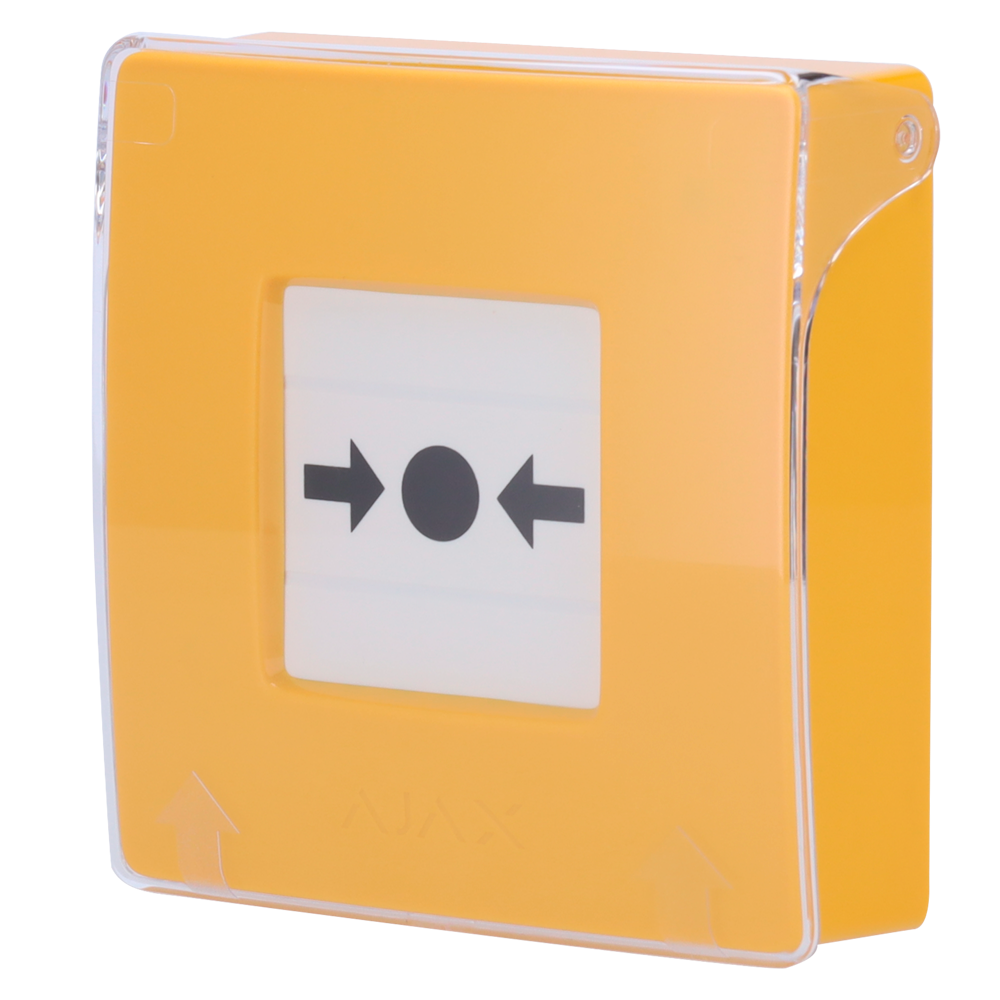
ManualCallPoint manual fire call point, yellow
Yellow wireless manual call point with a transparent cover: it alerts the Ajax hub and from there your phone, or triggers sirens and scenarios
What it is and what it does
The yellow ManualCallPoint is a wall-mounted push button for raising the alarm by hand. When pressed it alerts the Ajax hub and from there the phones of the people who have been added, triggers sirens and can launch automation scenarios. It has a transparent cover against accidental presses, an anti-opening tamper and an LED that indicates alarm and fault. It joins the hub over Jeweller radio, up to 1700 m in open space, and uses two CR123A batteries.
Who Dartel installs it for
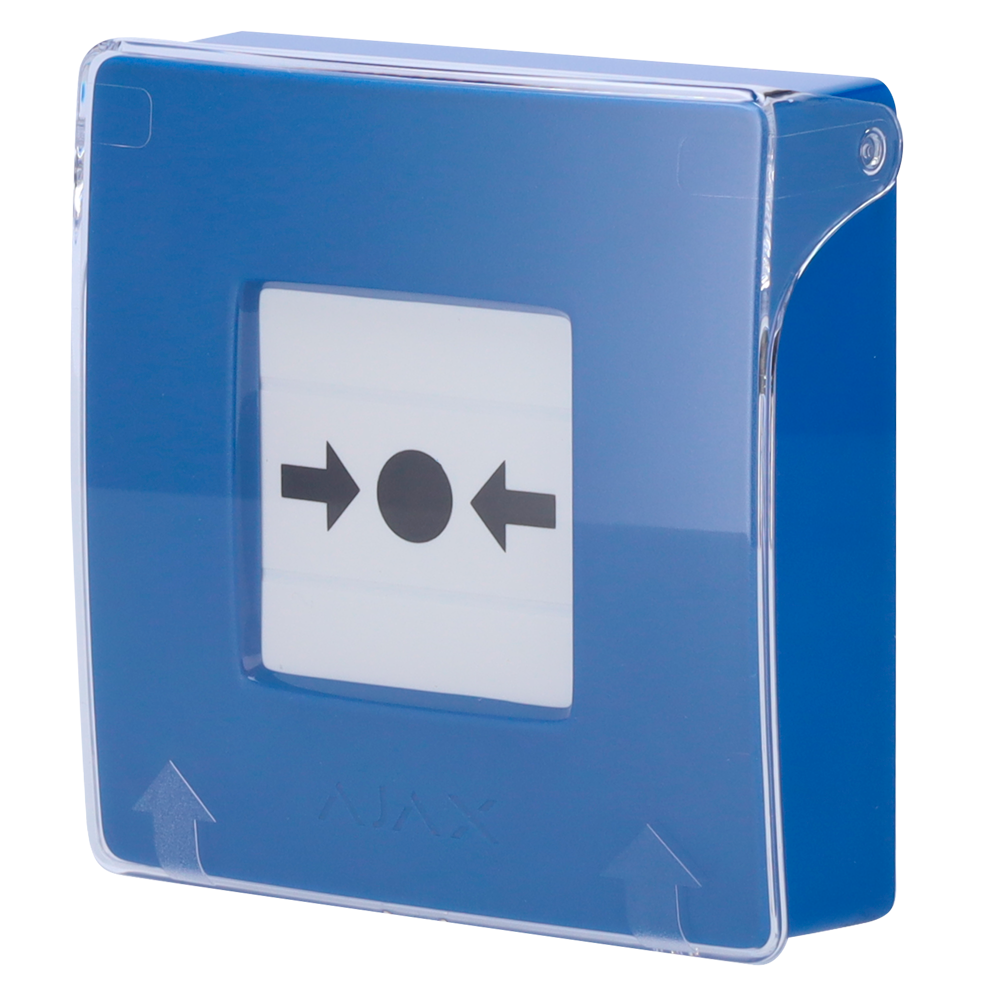
Yellow is the usual colour of fire call points and the one we choose in premises and residents' communities where people recognise it immediately. If you want it for another alert, or so that it is not confused with a fire one, there is the blue ManualCallPoint. It is for indoors only. It can be added to any Ajax alarm that we install.
How we install it
We fix it on an interior wall, on an exit route in plain sight and at a height comfortable for anyone. We add it by reading its QR code in the app, assign it to your hub and configure what happens when it is pressed: sirens, alerts or a scenario. We test it with you and leave you the special key used to reset the button.
Technical summary
Data declared by the manufacturer, as shown on the shop listing.
| Model | AJ-MANUALCALLPOINT-YELLOW |
|---|---|
| Frequency | 868 MHz Jeweller |
| Transmission distance | ≤ 1.700 m in open space |
| Operating modes | Fire alarm and scenario trigger |
| LED indicator | Fire alarm and malfunction |
| Interconnected fire alarm | Compatible, when the button is pressed |
| Protection against accidental presses | Available, transparent cover |
| Special key | Available for button reset and device removal |
| Anti-opening tamper | Available |
| Compatibility | Compatible with Hub Plus, Hub 2 (2G and 4G), Hub 2 Plus, Hub Hybrid (2G and 4G), ReX and ReX 2 |
| Power supply | 2 CR123A batteries (pre-installed) |
| Operating temp. | 0 °C ~ 50 °C |
Also from Ajax
Related products
Frequently asked questions
Can it be pressed by accident?
It is difficult: it has a transparent cover that protects the button. To reset or remove it a special key is used, which we leave you with the instructions for use.
Does it work without a hub?
No. It needs an Ajax hub: Hub Plus, Hub 2, Hub 2 Plus, Hub Hybrid, ReX or ReX 2. If you already have one installed, we check it before suggesting the call point.
Would you like us to install it?
Tell us what kind of home or premises it is and we will say what you need and what you don't. For a flat or a shop with no building work, your floor plan and four photos are enough.